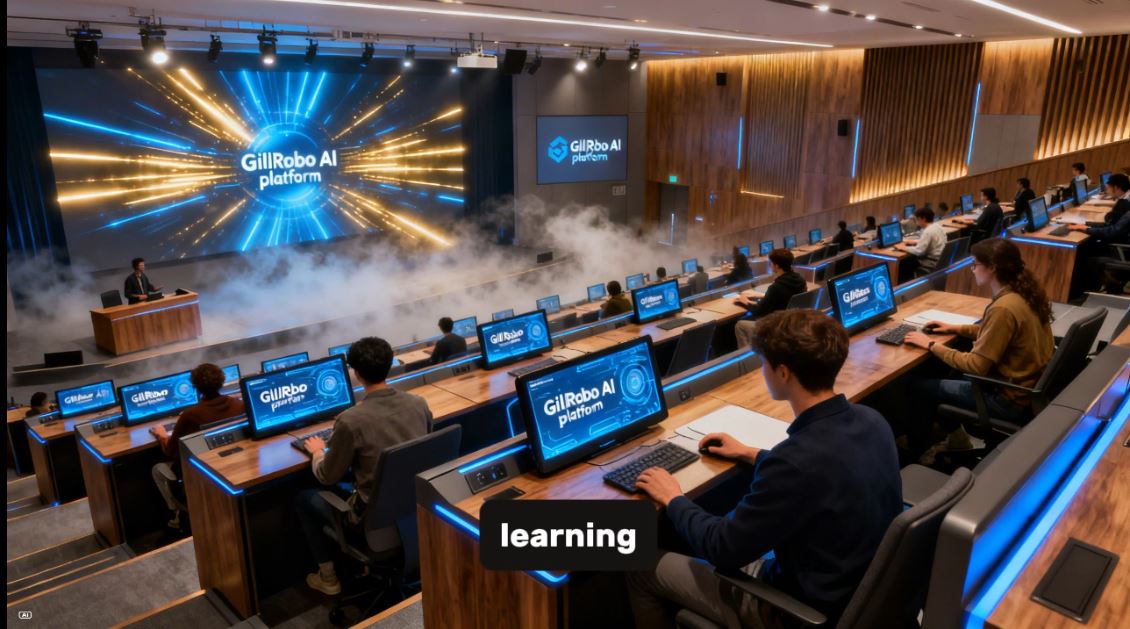
What you get
GilRobo AI Learning Platform – Your own Private Tutor
Transform Your Teaching with AI-Powered, Modular Learning Tabs

Key Benefits
🎯 Modular & Customisable – Choose from over 15 specialised tabs. Activate only what you need. Hide what you don’t.
🤖 Multi-Provider AI Integration – Seamlessly connects with DeepSeek, OpenAI (GPT-4), Anthropic (Claude), Google (Gemini), Groq, Mistral, and more.
🌐 Offline & Online Learning – Includes a vast offline curriculum database for core subjects (Maths, English, Science, History) plus real-time online multiplayer and global leaderboards.
📊 Data-Driven Insights – Track individual and group progress with detailed reports, performance charts, and IELTS-style feedback.
♿ Fully Accessible – Built-in text-to-speech, voice commands, keyboard navigation, and adjustable font sizes ensure no learner is left behind.
🔐 Secure & Role-Based Access – Admin panel with tab locking, access codes, and role-based views (Admin, Trader, Viewer, Customer).

Available Modules (Tabs)
Each tab is a standalone feature. Mix and match to build your perfect learning environment.
1. Setup Tab – The Control Centre
Configure your quiz environment in seconds. Add players (with avatar upload or live camera capture), select subjects, set difficulty levels, and choose question formats. The smart auto-fill pulls player names from WordPress or device data for a frictionless start.
2. Guide Tab – Interactive Tutorial & Accessibility Hub
A built-in, voice-enabled guide that walks users through every feature. Includes accessibility controls (contrast, font size, text-to-speech, voice commands) and a full keyboard shortcut reference.
3. Player List Tab – Master Player Directory
Manage an unlimited number of players with names, locations, and avatars. Export player lists as CSV for seamless classroom or organisational management.
4. Custom Topics Tab – Create Your Own Subjects
Design bespoke topics not in the default library. Perfect for niche subjects, project-based learning, or specialised corporate training. Topics are saved and reusable.
5. Custom Questions Tab – Build Your Question Bank
Write your own multiple-choice questions or use AI to generate them instantly from a simple description. Ideal for teacher-created exams, homework, and revision packs.
6. Custom Knowledge Upload Tab – AI from Your Content
Upload PDFs, Word documents, or paste text articles. GilRobo’s AI instantly analyses the content and generates relevant, curriculum-aligned questions. Perfect for turning textbooks and study notes into interactive quizzes.
7. Quiz Tab – AI-Powered Dynamic Quizzing
The heart of the platform. Generate unlimited, randomised quizzes on any topic with adjustable difficulty and question count. Features include:
Real-time question timer and progress bar
Player rotation in multiplayer mode
Option to show images with questions
Auto-read aloud with selectable TTS voices
Instant feedback with explanations
8. Quiz 2 Tab – Advanced Literacy & Language Assessment
A specialised module for reading, writing, and speaking practice with IELTS-style feedback:
Reading & Writing: Generate reading passages and analyse student summaries with band scores (Task Achievement, Coherence, Lexical Resource, Grammar).
Speaking: Record spoken responses and receive AI-generated feedback on fluency, pronunciation, and lexical resource.
Essay Writing: Generate essay prompts and receive detailed structural and grammatical analysis.
Full IELTS Simulation: Practice Academic and General Training tests across Listening, Reading, Writing, and Speaking sections.
9. Online Multiplayer Tab – Global Competition
Turn learning into a game. Compete with players worldwide or within your classroom in real time.
Quick Match – Instant 2-minute battles
Tournament Mode – 8-player knockout brackets
Challenge a Friend – Share personalised links to beat your score
Global & Location Leaderboards – See how your school or organisation ranks worldwide
Live Chat & Voice Messages – Communicate safely with built-in profanity filters and strike-based banning
10. Whiteboard Tab – Unlimited Digital Canvas
A full-featured, scrollable whiteboard (3000×10000px) for teaching, brainstorming, and problem-solving. Includes:
Pen, eraser, highlighter, and text tools
Multiple pages with rename/delete
Undo/redo, zoom, and fullscreen mode
Save/load whiteboard sessions
11. Reports Tab – Visual Progress Tracking
Transform raw data into actionable insights. Generate custom reports with:
Performance over time (line charts)
Accuracy by subject (bar charts)
Player comparison graphs
Summary cards with key metrics
Drag-and-drop chart reordering
Export as PDF or share via email
12. Results Tab – Detailed Outcome Analysis
View comprehensive results for every completed quiz, including per-question breakdowns, player answers, time taken, and motivational feedback with customisable SVG banners.
13. History Tab – Complete Learning Archive
Browse all past quiz sessions. Search by subject or player, and make results public to appear on global leaderboards. Full results can be re-opened for review.
14. Tutorial Tab – AI-Generated Lessons
Enter any topic and receive a comprehensive, AI-written tutorial complete with key concepts, examples, and a summary. Tutorials are automatically saved to history and can be read aloud, downloaded as PDF, or emailed.
15. Tutorial History Tab – Your Personal Knowledge Base
All generated tutorials are stored here. Search, view fullscreen, copy, download as PDF, or email any past tutorial.

Technical Highlights
Multi-Provider AI Support: Works with DeepSeek, OpenAI, Anthropic, Google, Groq, Together AI, Perplexity, Mistral, Cohere, and Fireworks AI.
Offline-First Curriculum Database: Thousands of pre-loaded questions for Primary/Secondary Maths, English, Science, History, Geography, and Corporate subjects. No API key required for core topics.
Real-Time Firebase Integration: Powers online multiplayer, global chat, leaderboards, and public history sharing.
Admin Panel & Tab Locking: Control exactly which tabs are visible to which users. Generate time-limited access codes for different roles (Admin, Trader, Viewer, Customer). Perfect for selling access to specific modules.
Fully Responsive: Works flawlessly on desktops, tablets, and mobile phones.
Perfect For
| Sector | Use Case |
|---|---|
| Primary Schools | Times tables practice, English grammar, basic science, multiplayer class battles |
| Secondary Schools | GCSE/A-Level revision, essay writing practice, subject-specific quizzes |
| Universities | Academic writing support, research-based tutorials, student progress tracking |
| Corporate Training | Compliance training, soft skills development, IT certification prep |
| Tutoring Centres | One-to-one or small group instruction with detailed progress reports |
| Homeschooling | Complete curriculum coverage with AI-generated lessons and assessments |
Pricing Model
Pay only for what you use. GilRobo’s modular tab system means you can start with a core set of features and expand as your needs grow.
Hourly: Access to offline curriculum subjects + Setup, Guide, and Player List tabs.
Monthly: Unlock AI-powered features, multiplayer, reports, and advanced assessments on a per-tab subscription or lifetime license basis.
Yearly: Custom packages with admin controls, priority support, and white-label options available.