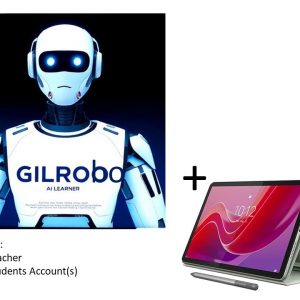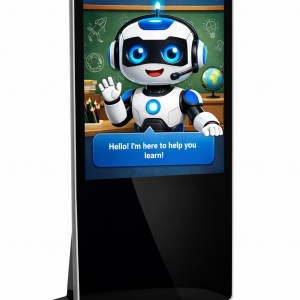
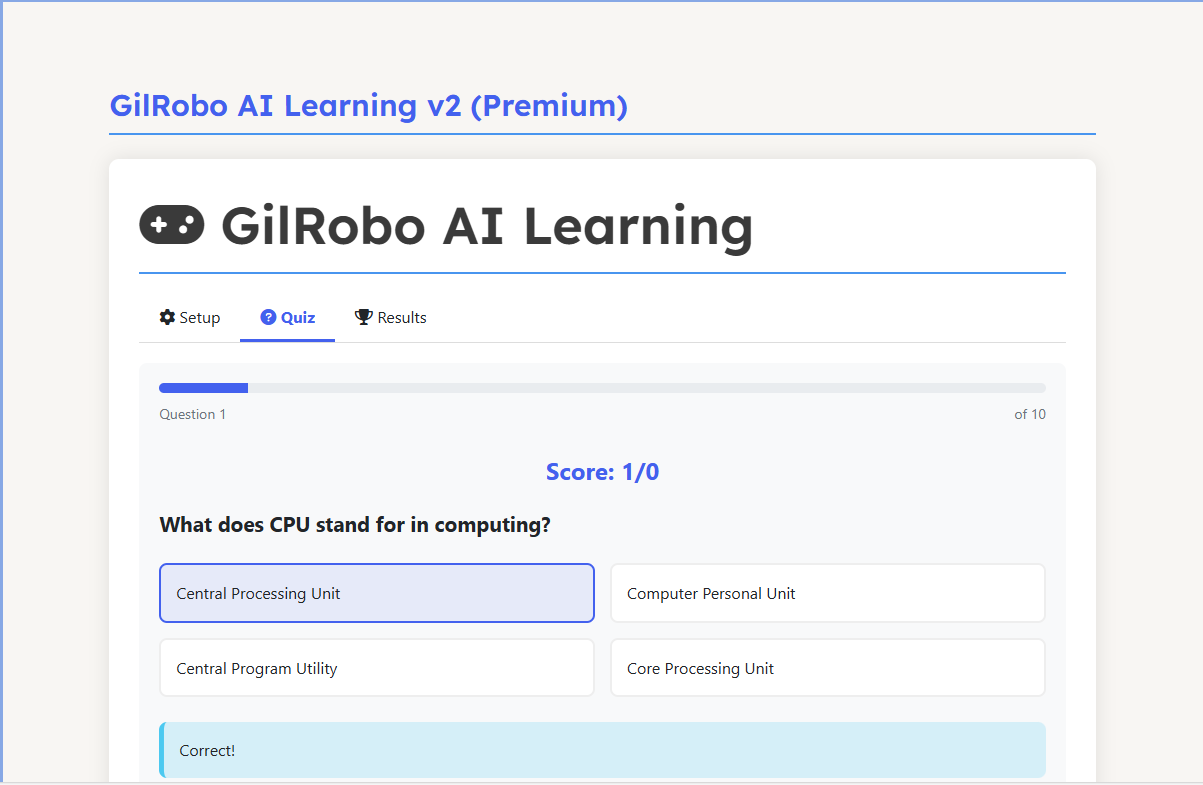
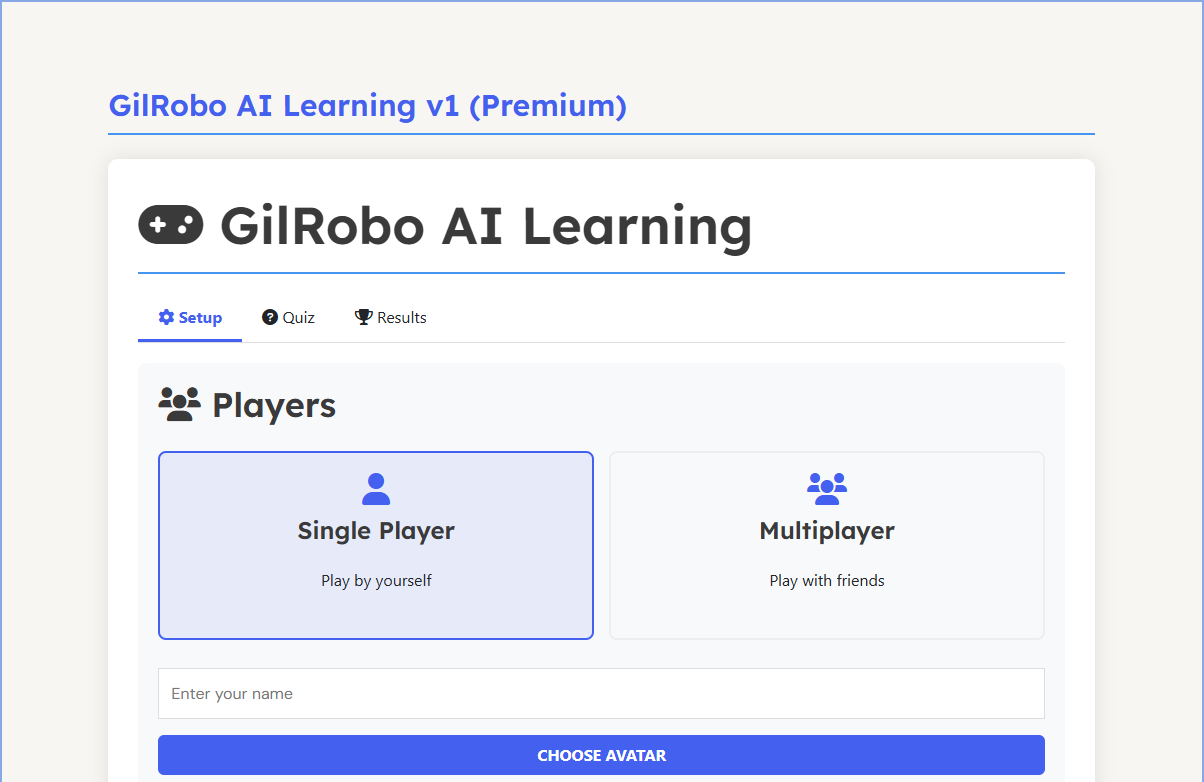
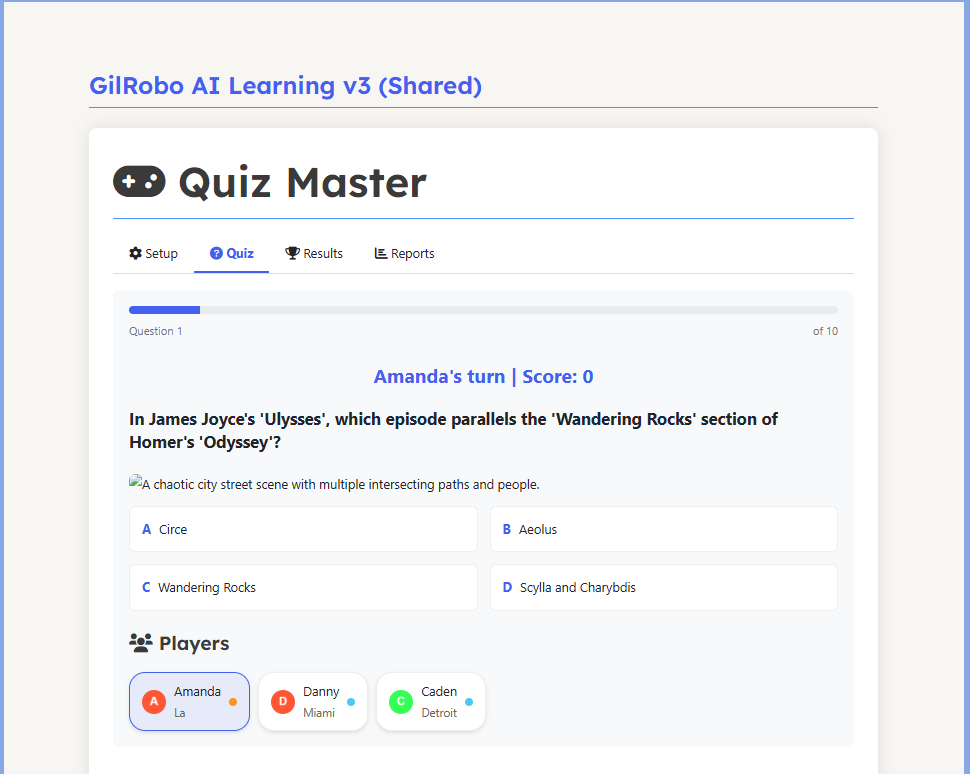
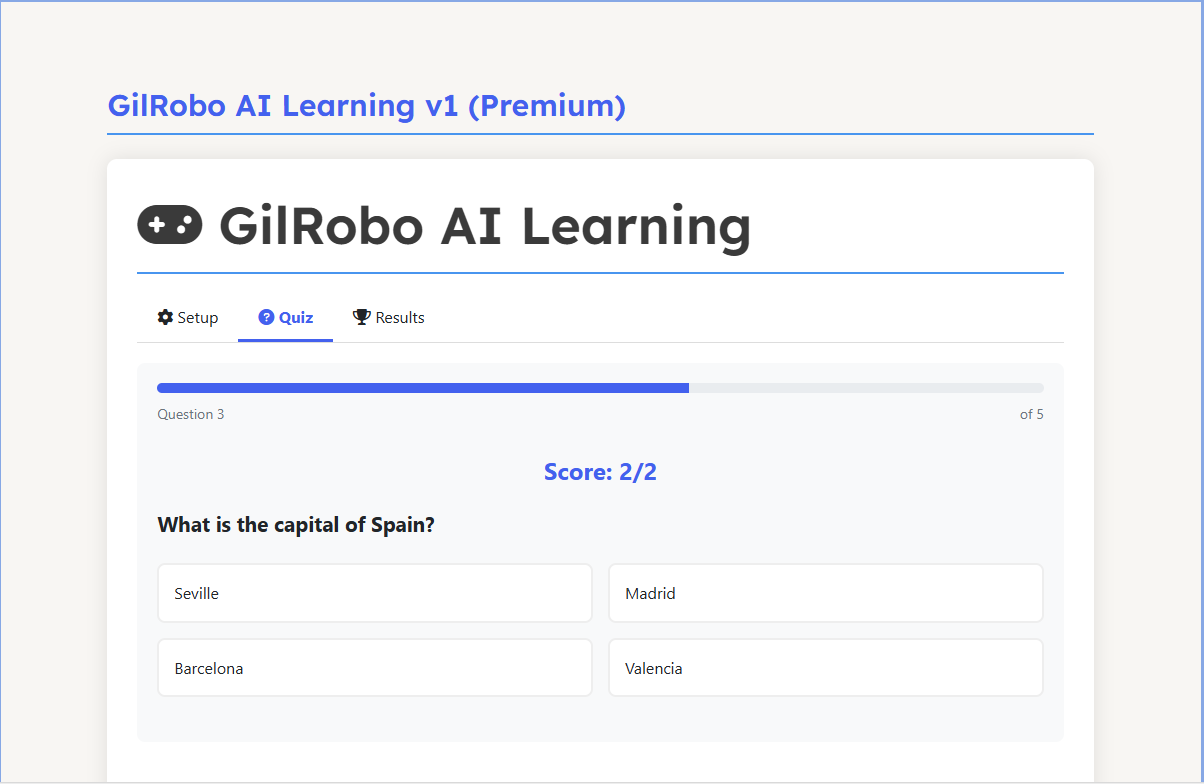
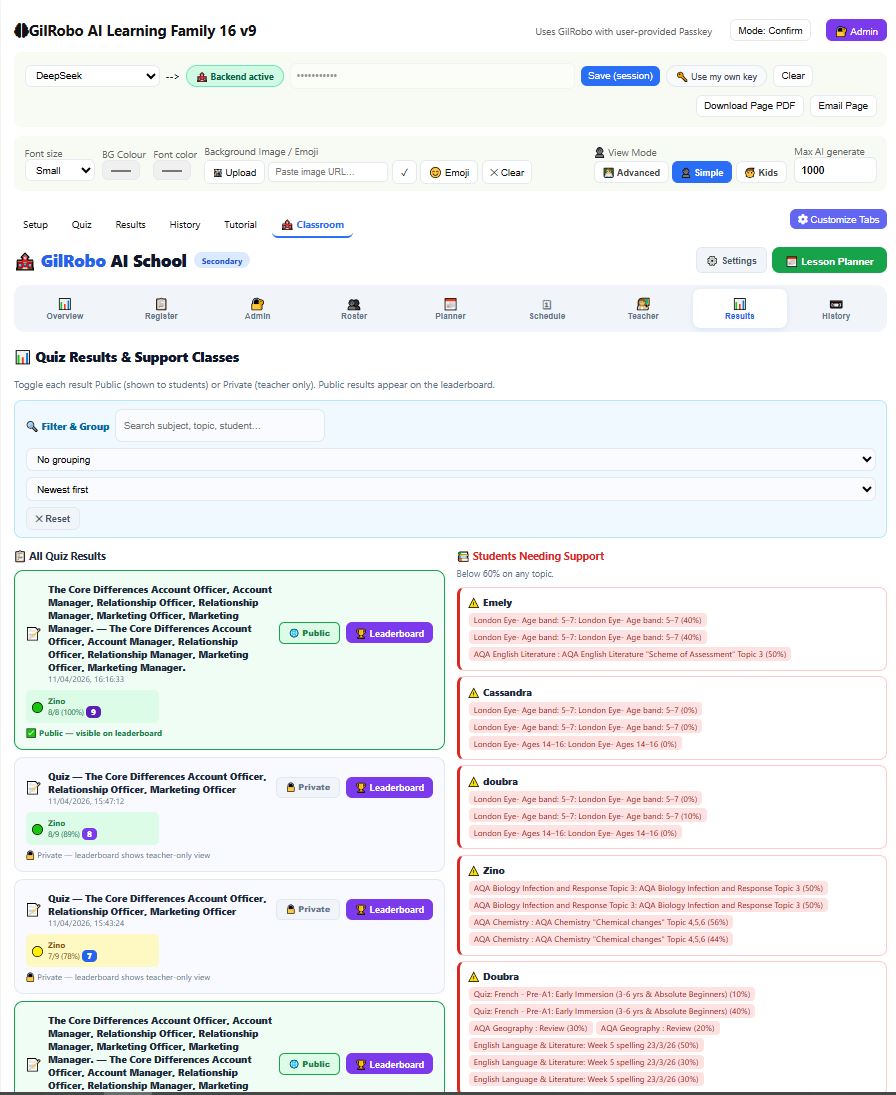
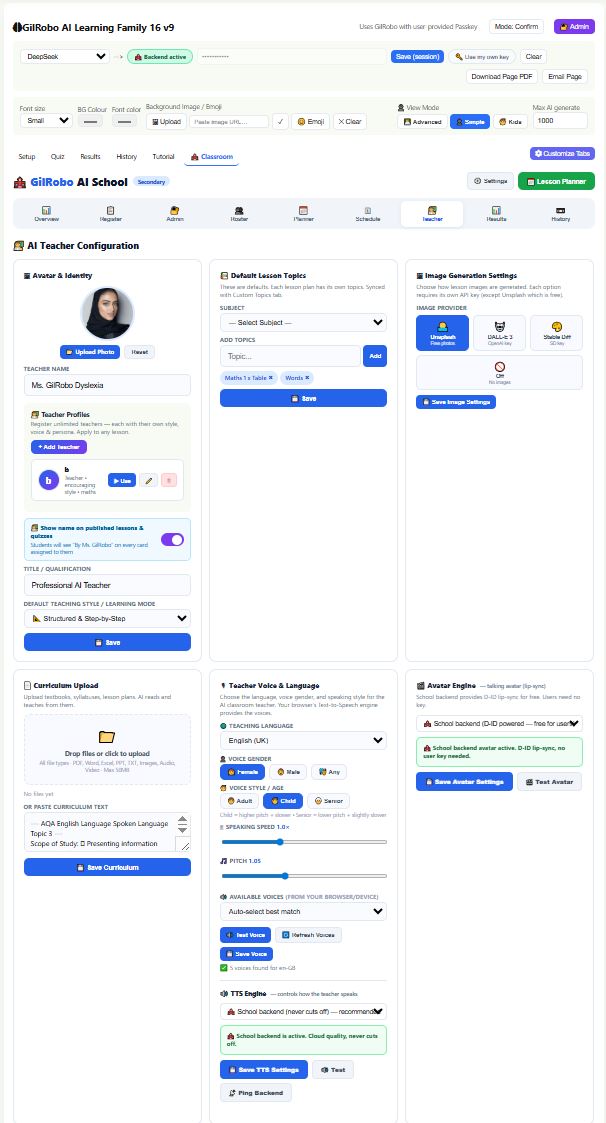
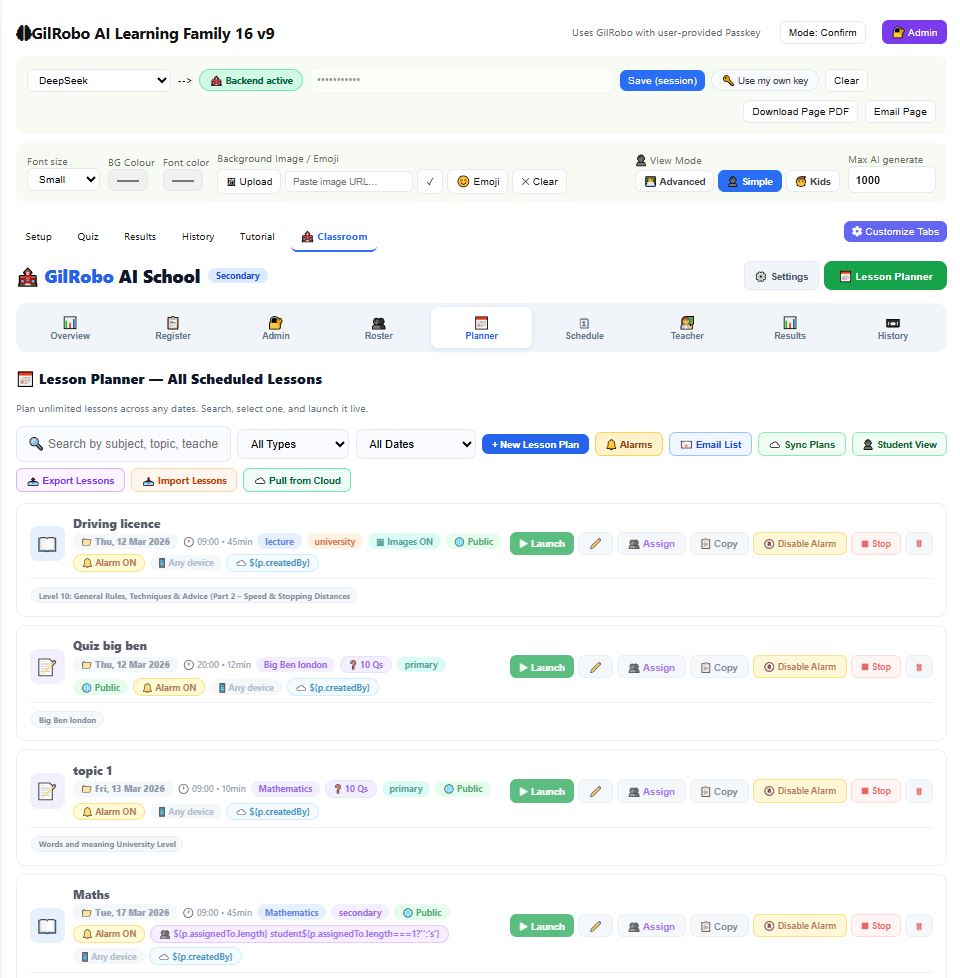
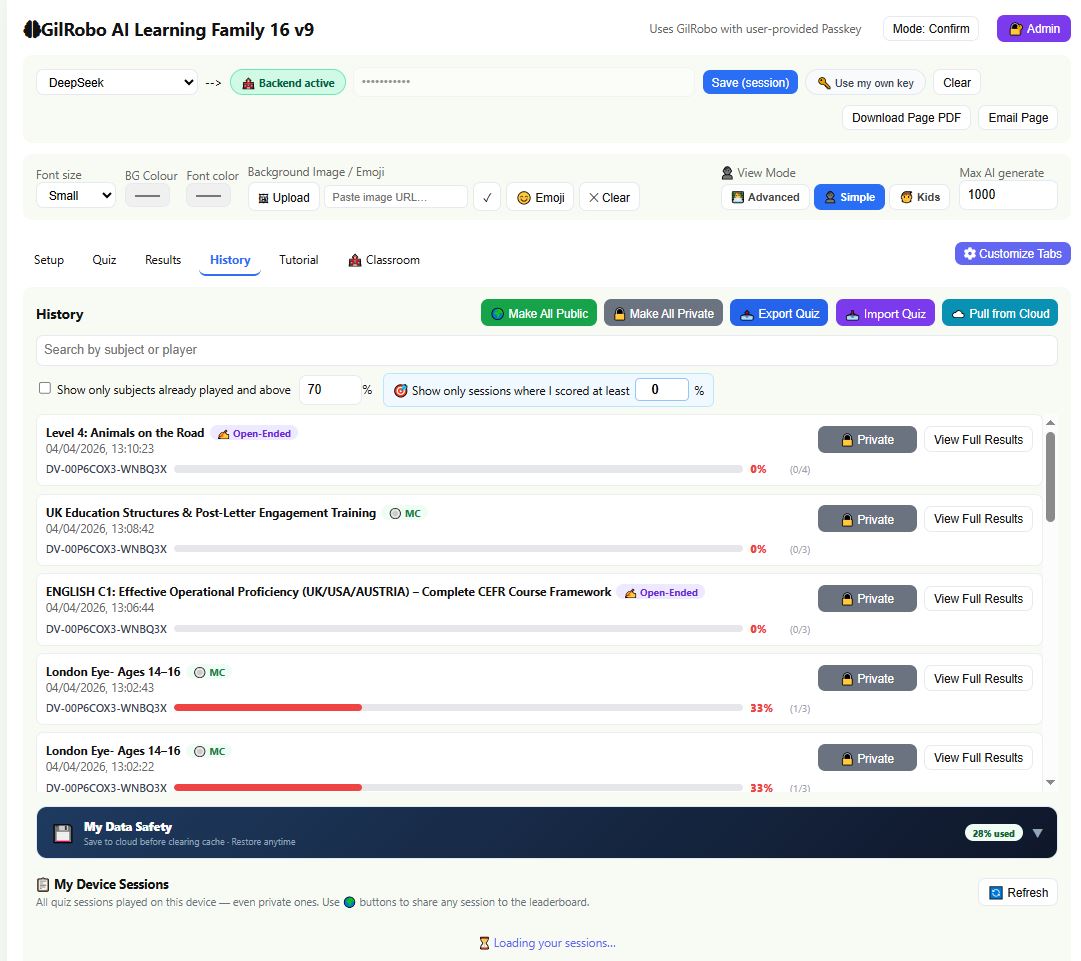
🧠 The Brain: GilRobo AI Learning Engine (Same Powerful Software)
You are buying the same award-winning AI Teacher Home-schools engine — now paired with a large-format display of your choice.
The software is identical to our tablet bundle. The difference is the screen size and how your audience views it.
| Feature | What It Means For You |
|---|---|
| 👥 Unlimited Students (Advisable 50) | Teach a full classroom, lecture hall, or training room with ONE screen. No per-seat fees. |
| 🖥️ Any Large Display Works | Choose from TVs, monitors, projectors, video walls, or standing digital signage — all fully compatible. |
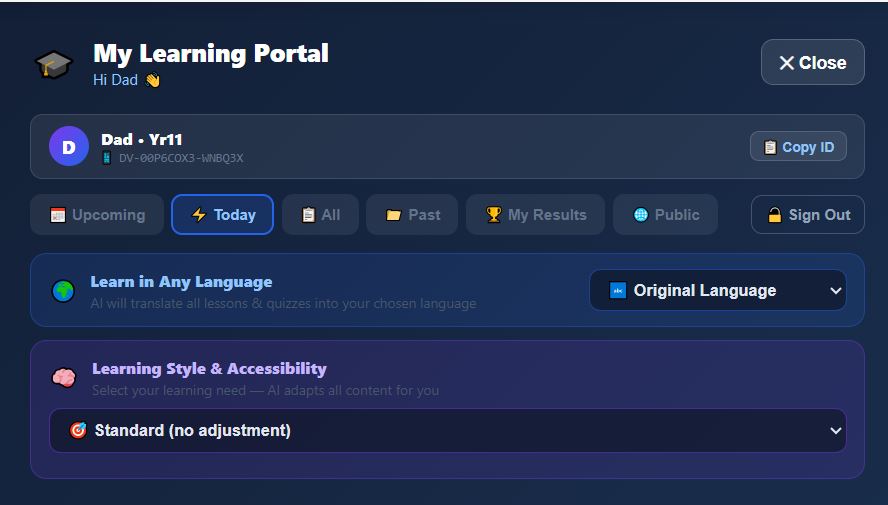
| 🧠 Full SEN Support | Built-in adaptations for Dyslexia, ADHD, Autism, Dyscalculia, Anxiety, and EAL — visible to the whole room. |
| 🌍 Any Language | The AI speaks and teaches in 100+ languages. Perfect for multilingual audiences. |
| 📚 Any Subject | Maths, English, Science, History, Coding, Business — generate full lessons and quizzes in seconds. |
| 📡 Offline Mode(Not in this version) | Built-in curriculum database works even without Wi-Fi. Perfect for remote classrooms or exhibitions. |
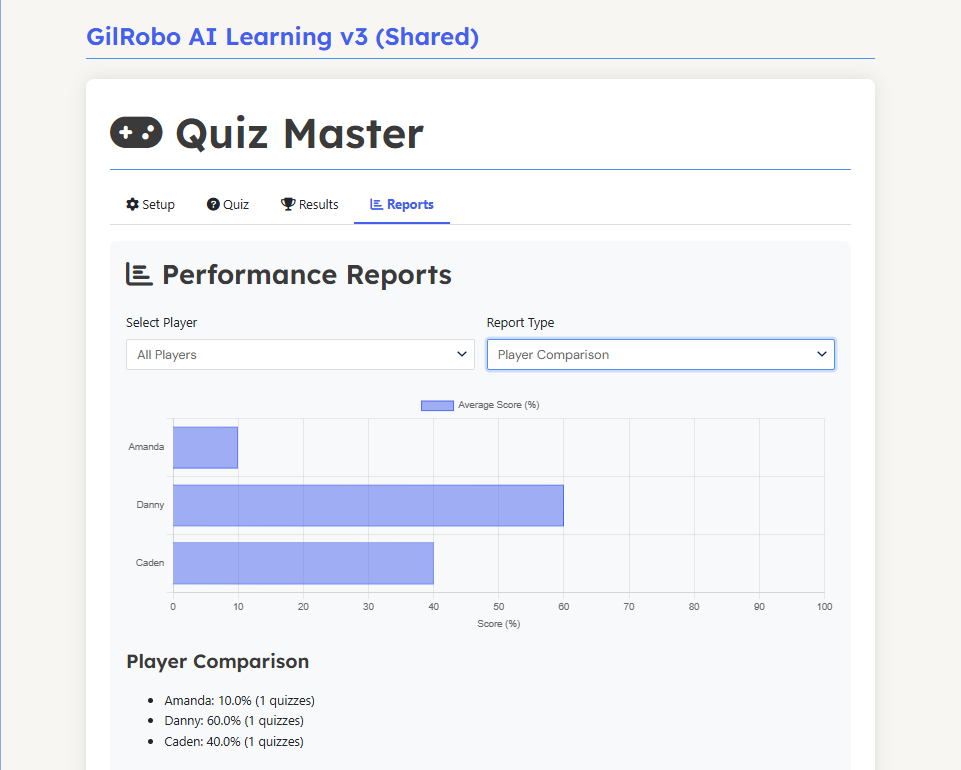
| 🏆 Certificates & Reports | Generate professional PDF certificates and progress reports for every student — display or print instantly. |
| 👨👩👧 Parent Day Module | Run parent consultations on the big screen — show their child’s progress live. |
🎯 THE DIFFERENCE:
A tablet is for individual learning. A Large Display is for shared learning — the whole room sees the same lesson, quiz, or progress report at once.
📺 The Vessel: Choose Your Large Display (Dropdown Below)
You are not buying a locked-down “education display.” You are choosing the perfect screen for your space — whether that’s a TV on a rolling stand, a ceiling-mounted projector, or a commercial video wall.
Select your preferred display type from the dropdown menu above.
All options share these core capabilities that guarantee the AI looks and sounds amazing:
| Core Capability | What It Means |
|---|---|
| Video Input | HDMI (primary), VGA (for older projectors), USB-C (for modern laptops) |
| Resolution | Minimum 720p (HD) — 1080p or 4K recommended for crisp text |
| Connectivity | Works with any laptop, mini-PC, Android box, or Fire Stick |
| Audio | Built-in speakers or audio out (for external PA systems) |
| Mounting | VESA compatible, ceiling mount, floor stand, or rolling cart — your choice |
| Power | Standard AC power (110–240V) — works worldwide |
(When you select a specific display from the dropdown, the detailed specifications for that exact model will appear in the tabs below.)
🎯 Available Display Types (Choose from Dropdown)
| Display Type | Best For | Key Features |
|---|---|---|
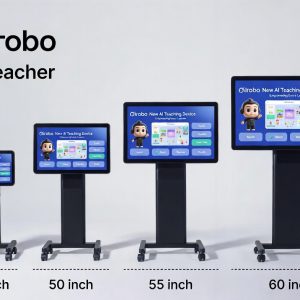
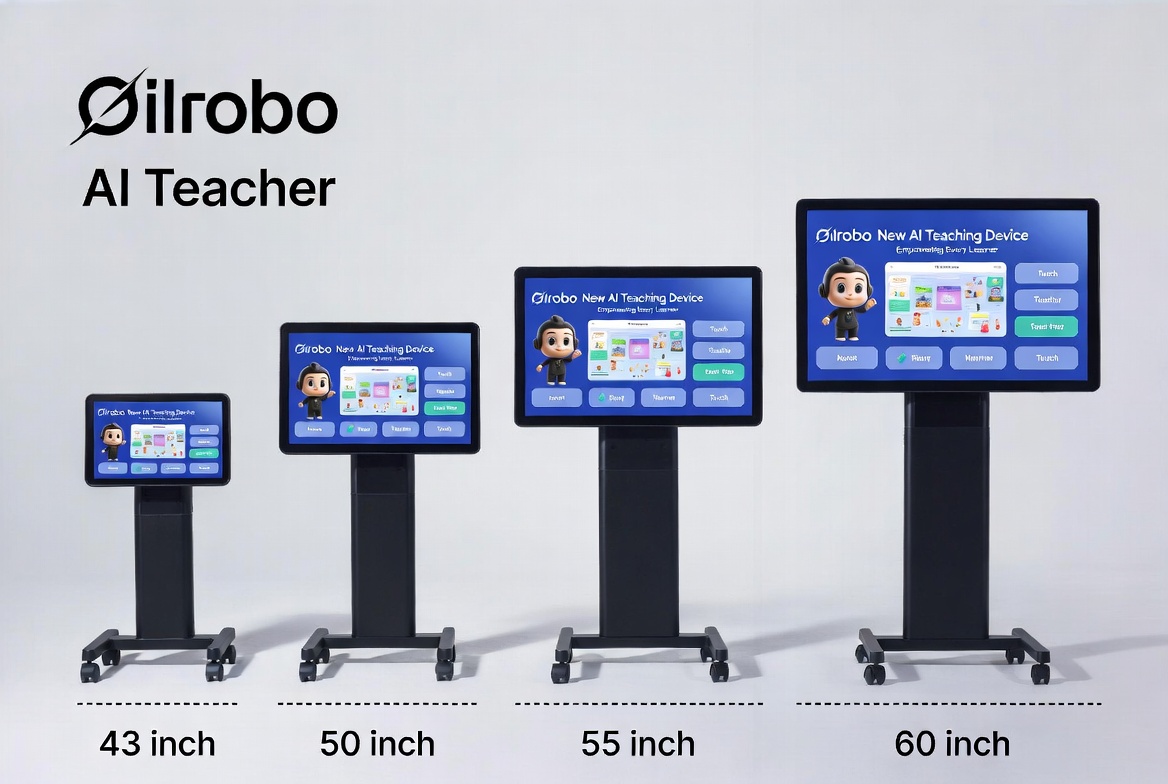
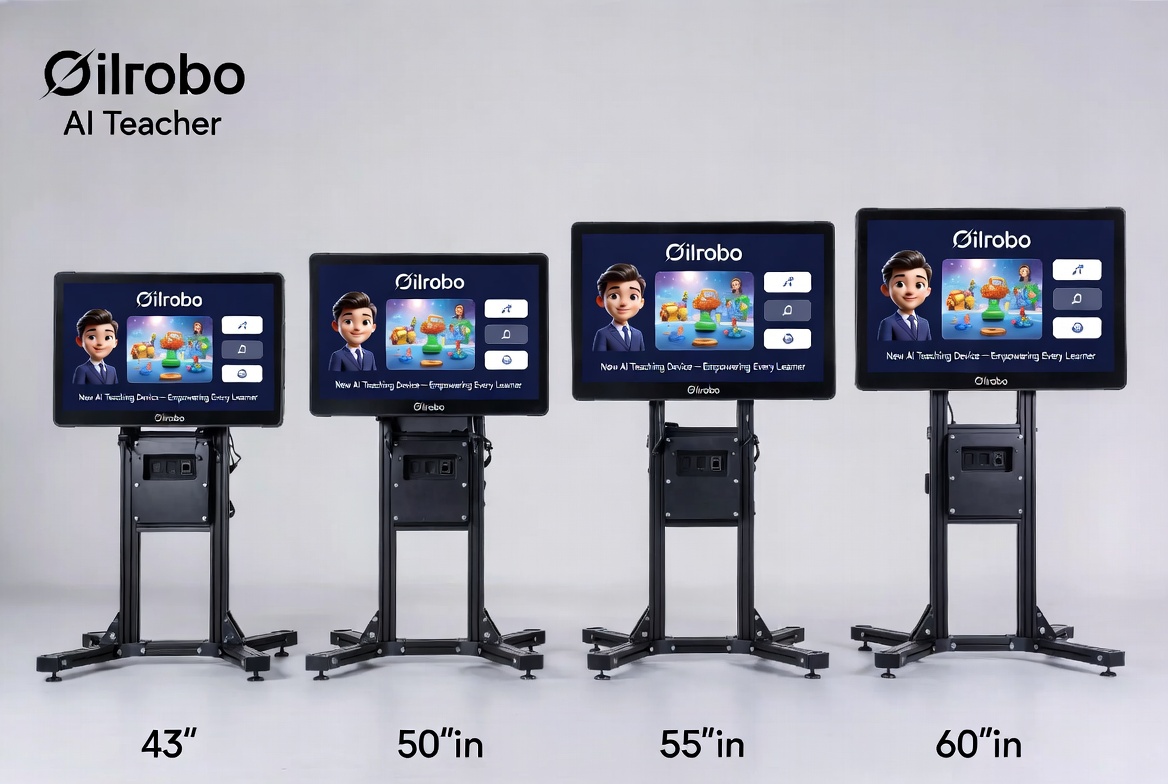
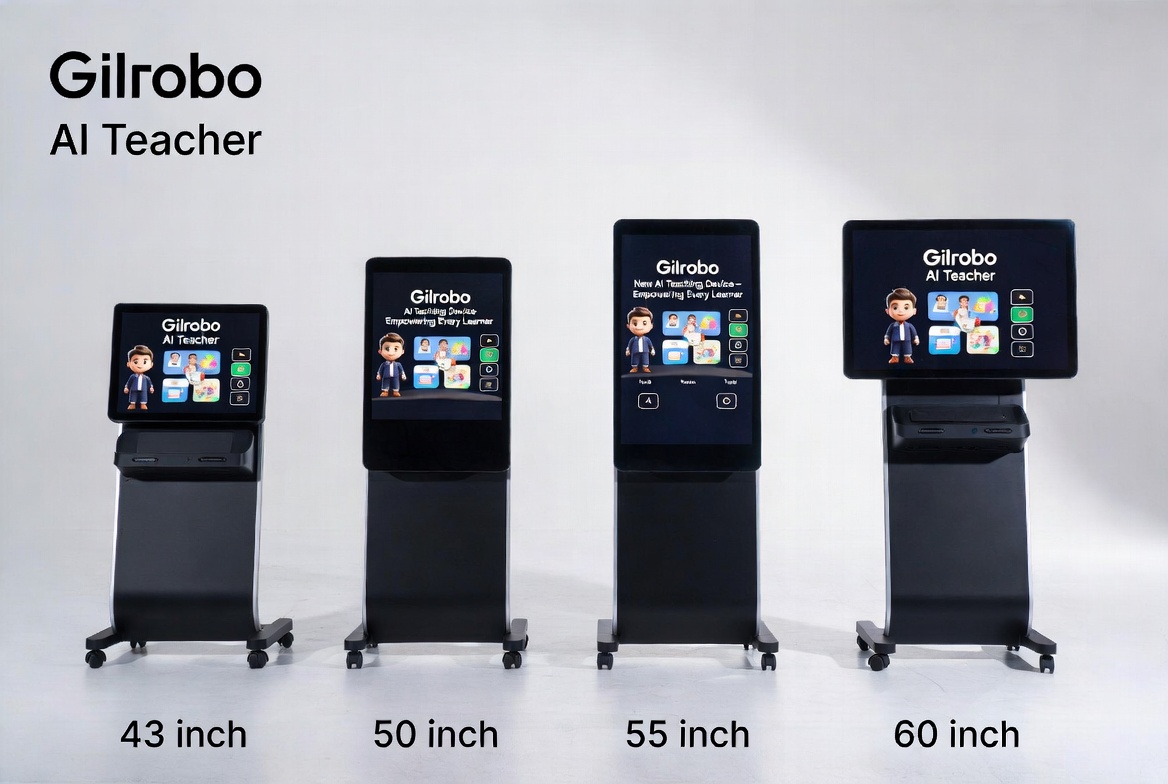
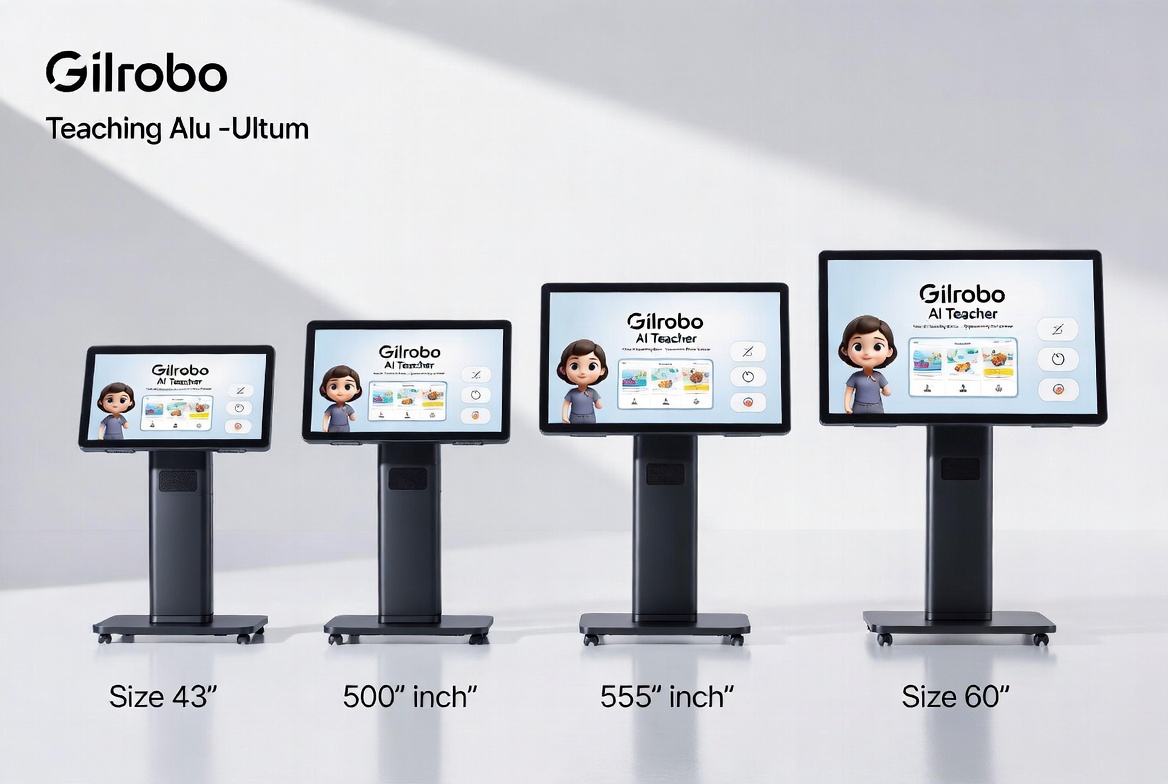
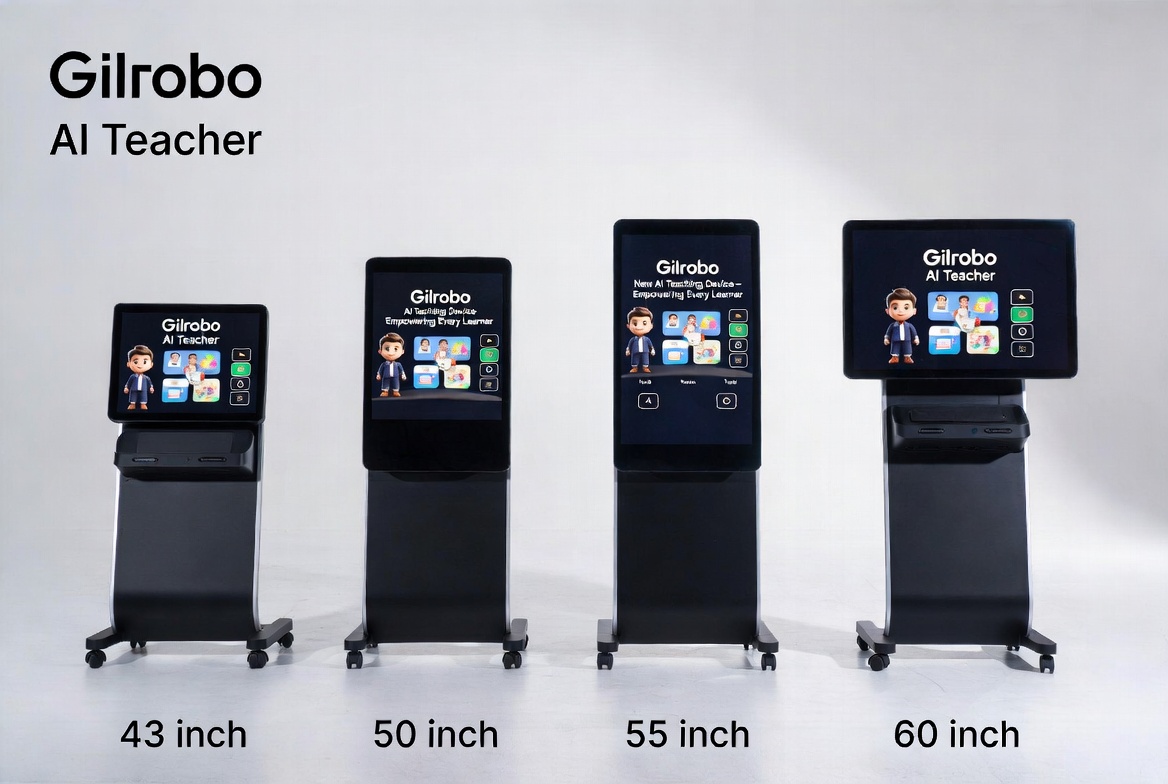
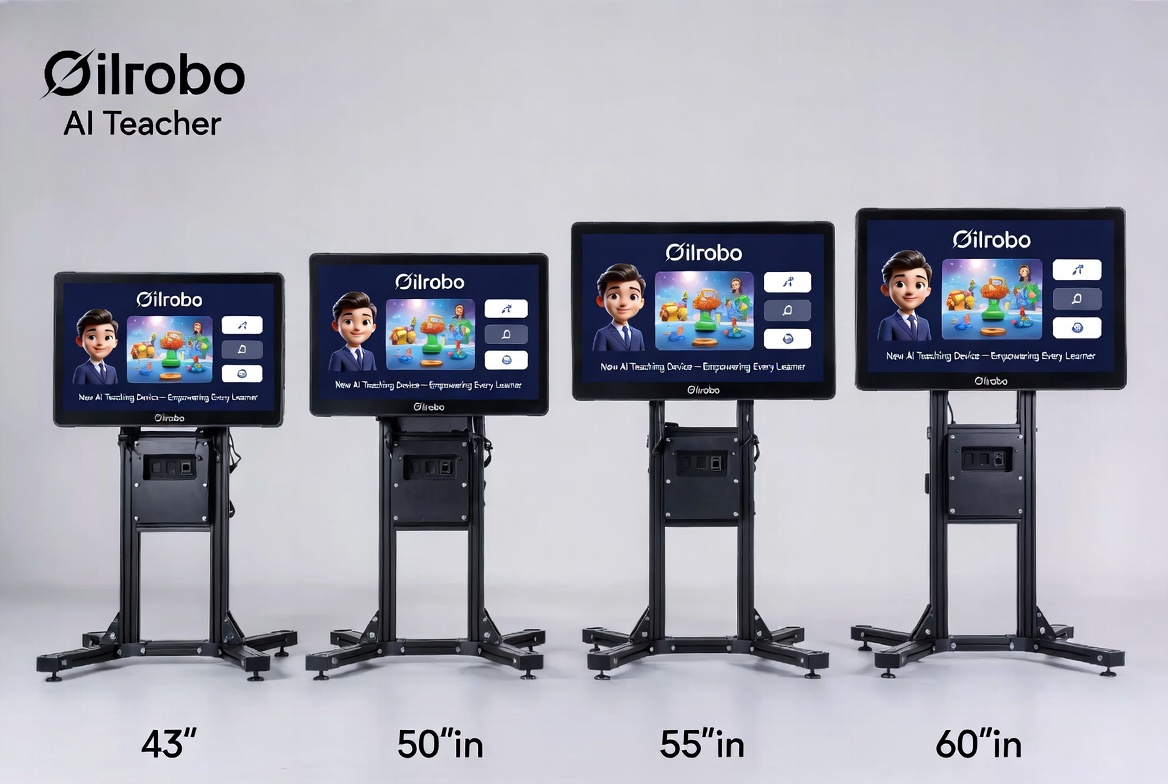
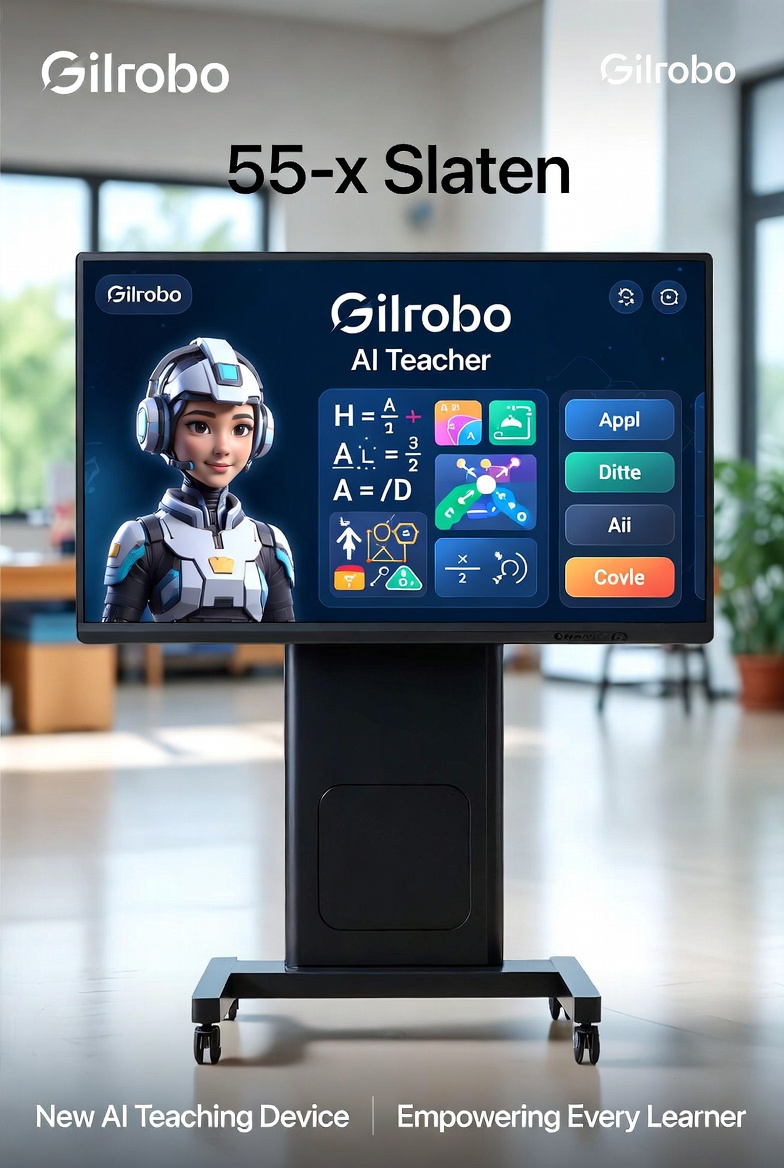
| 📺 TV on Standing Holder | Classrooms, training rooms, portable use | Rolling stand, height adjustable, 43″–75″, 4K option, built-in speakers |
| 🖥️ Large Monitor | Office training, reception areas, control rooms | Slim bezel, VESA mount, 24/7 operation, anti-glare |
| 🎬 Projector + Screen | Lecture halls, theatres, large auditoriums | 100″–200″ image, ceiling mount, high brightness (3000–5000 lumens) |
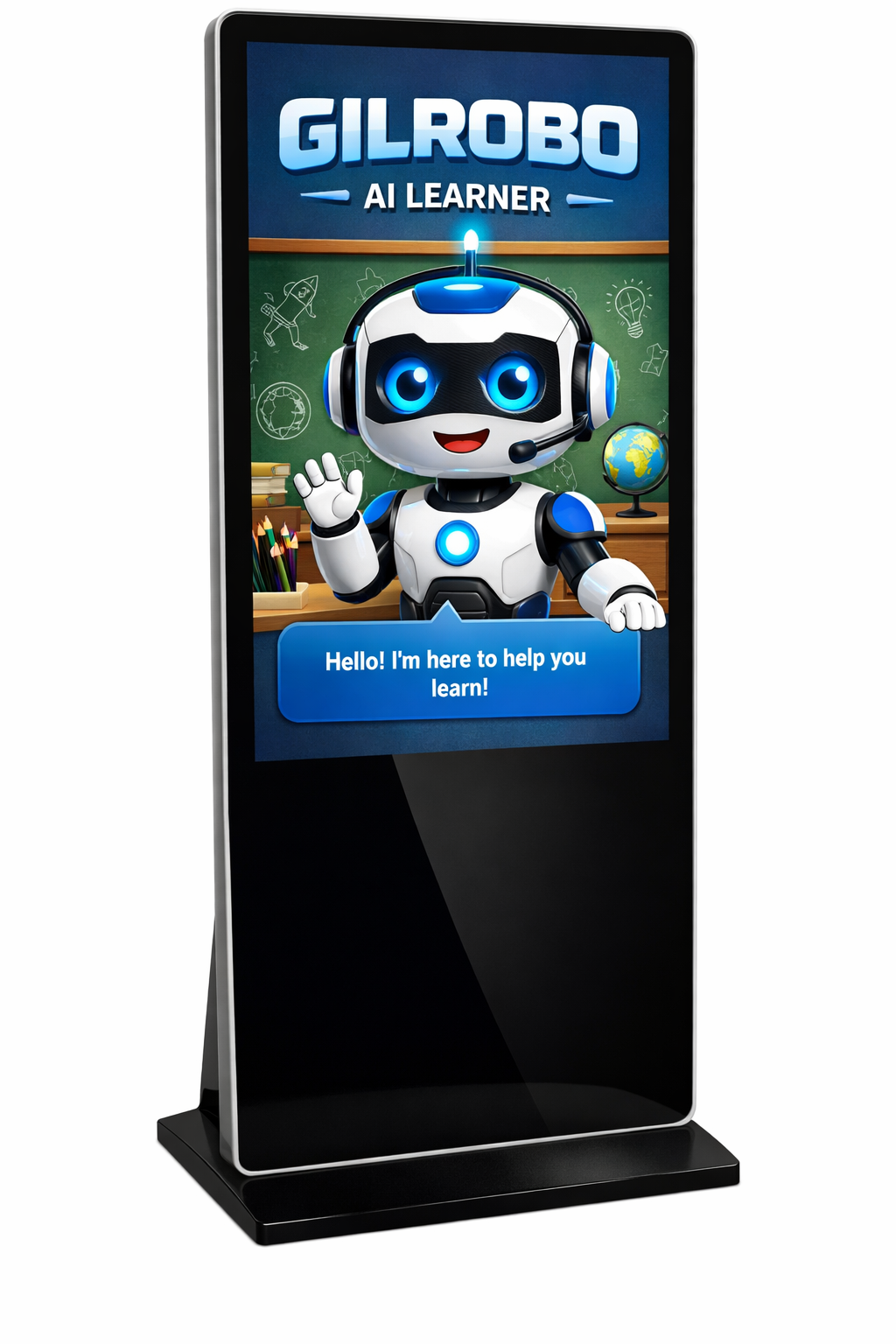
| 📱 Digital Signage Display | Public areas, museums, waiting rooms, retail | Commercial grade, 16/7 or 24/7 operation, landscape or portrait |
| 🧱 Video Wall (Multi-screen) | Control rooms, large auditoriums, exhibitions | 2×2, 3×3, or custom arrays — seamless bezel |
| ✍️ Interactive Flat Panel | Collaborative classrooms, boardrooms | Touchscreen, built-in Android, whiteboard mode, 4K |
🎯 Ideal Use Cases for This Bundle
| Setting | Recommended Display | How It Works |
|---|---|---|
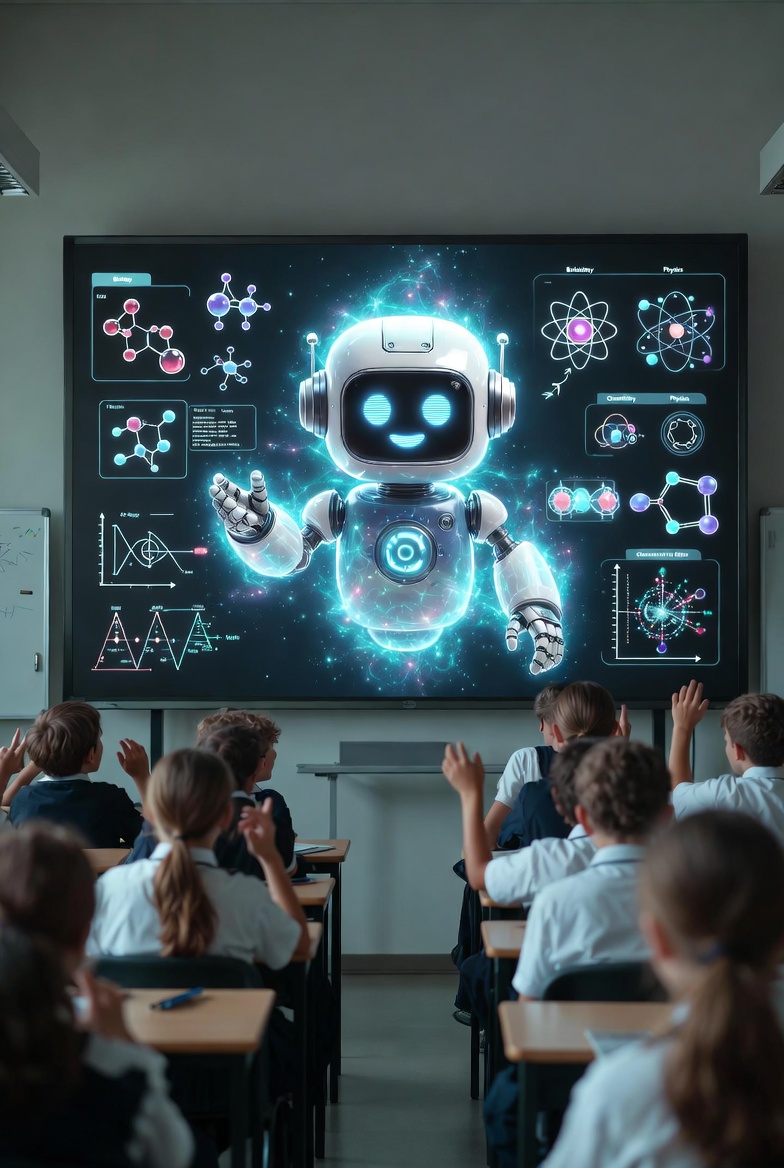
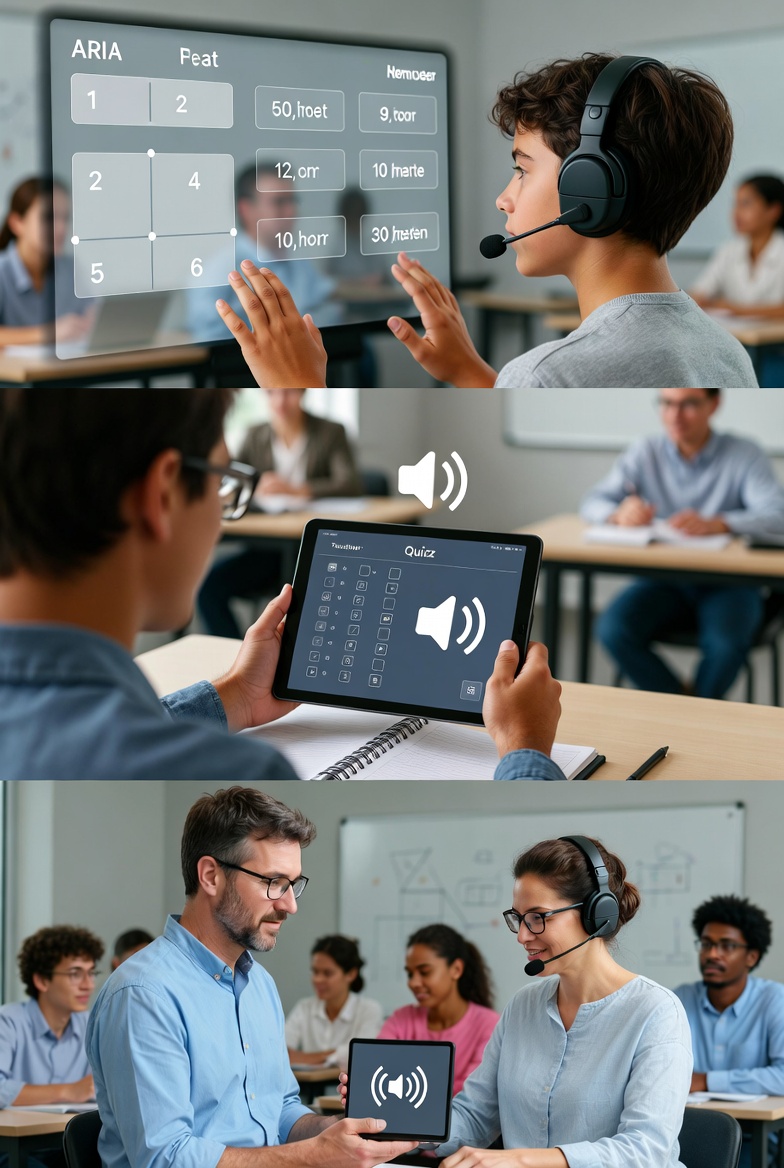
| 🏫 School Classroom | TV on standing holder or Interactive Flat Panel | Mount at the front. AI teacher leads lessons. Students follow on their own devices or paper. |
| 🏢 Corporate Training | Large Monitor or Projector | Run staff training sessions. AI generates compliance quizzes live on screen. |
| 📢 Public Exhibition / Museum | Digital Signage or Video Wall | Interactive AI kiosk. Visitors ask questions; AI answers on the large display. |
| 🏠 Home-School (Group) | TV on standing holder (43″–55″) | Multiple siblings learn together. Rolling stand makes it portable between rooms. |
| 🖼️ Waiting Area / Reception | Digital Signage (portrait or landscape) | Loop educational content or let visitors ask the AI questions while they wait. |
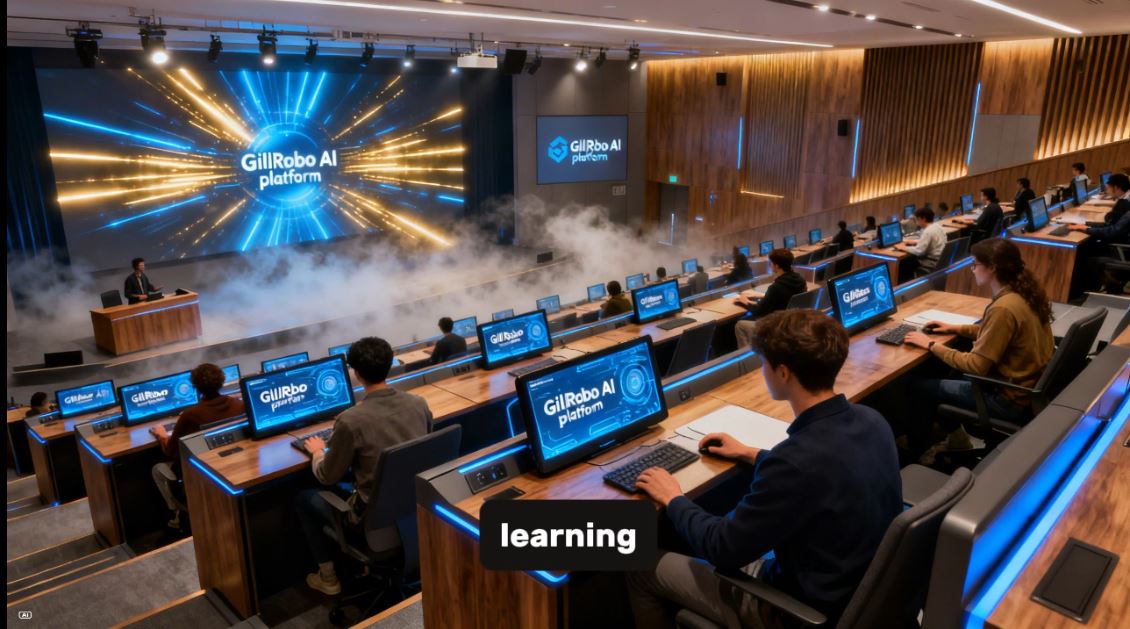
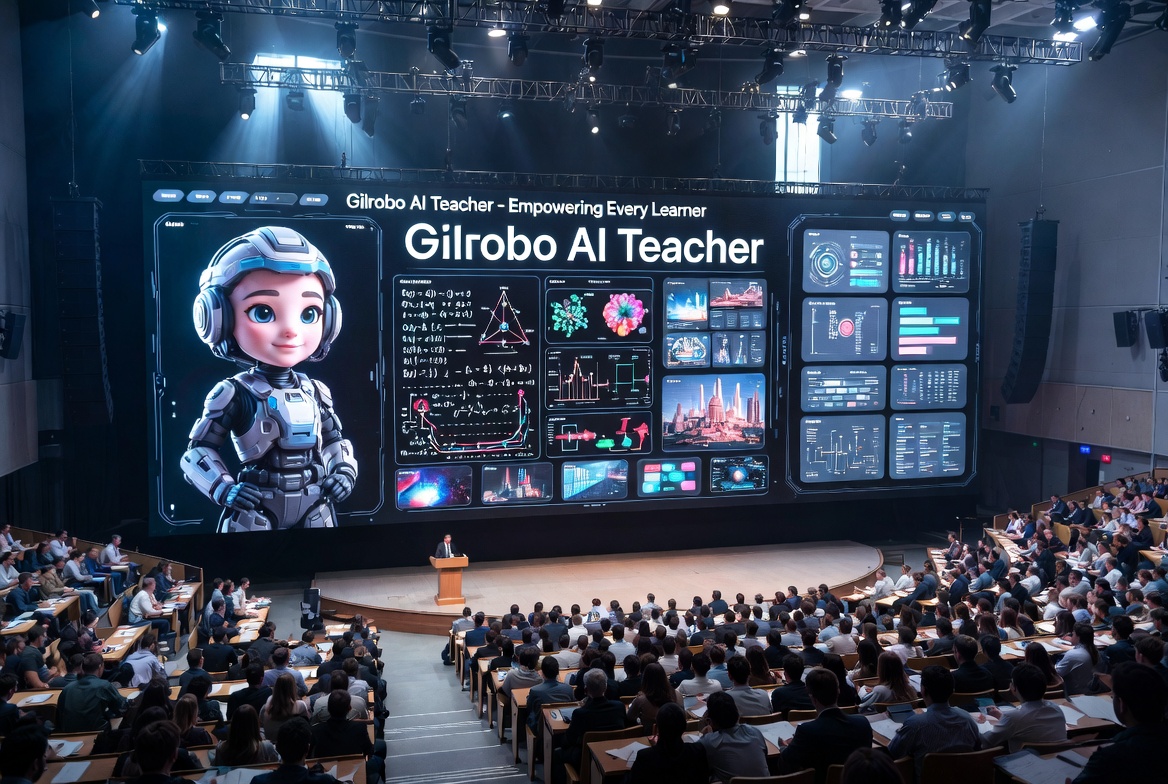
| 🎓 Lecture Hall | Projector + 120″–200″ screen | Perfect for university-style lectures or large tutoring groups (50+ students). |
| 🚀 Control Room / Auditorium | Video Wall (2×2, 3×3) | Massive visual impact. Show analytics, dashboards, or live quizzes across multiple screens. |
📦 What’s Included in This Bundle
| Item | Description |
|---|---|
| ✅ AI Teacher Software | Full lifetime license (no subscription)(Not in this version) |
| ✅ Your Chosen Large Display | Select from dropdown (TV, monitor, projector, signage, video wall) |
| ✅ Unlimited Student License | Advisable 50 per class for best performance |
| ✅ SEN Adaptation Engine | Dyslexia, ADHD, ASD, Dyscalculia, Anxiety, EAL |
| ✅ Quiz Generator | Any subject, any difficulty, any language |
| ✅ Offline Curriculum(Not in this version) | Primary & Secondary Maths, English, Science |
| ✅ Certificate Generator | With full transcript and EQF hour tracking |
| ✅ Progress Reports | PDF export, charts, and analytics |
| ✅ Parent Day Module | AI-led parent consultations (perfect for parent evenings) |
| ✅ Homework System | Assign, track, and mark homework |
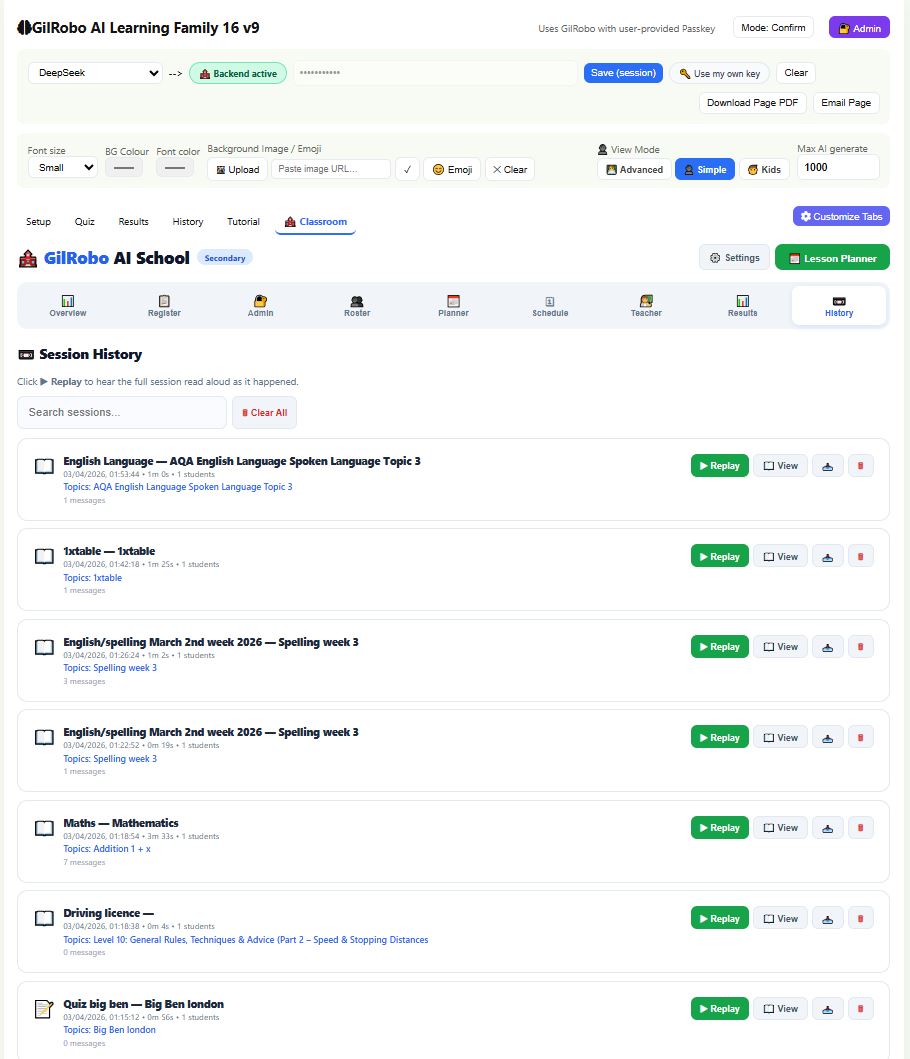
| ✅ Whiteboard | Unlimited pages — now visible to the whole room |
| ✅ Cloud Sync (Optional) | Works offline by default(Not in this version) |
⚠️ Note: Mounting hardware (wall mount, ceiling mount, floor stand, or rolling cart) is sold separately unless specified in the dropdown option. Commercial installation recommended for displays over 55″ or video walls.
💬 What Customers Are Saying
“I chose a 65″ TV on a rolling stand. Now I can move the AI teacher between my classroom and my waiting area. Genius.”
— David, UK (Tuition Centre Owner)
“We installed a projector and 150″ screen in our lecture hall. 80 students can see the AI clearly from the back row.”
— Professor Amina, Kenya (University)
“The digital signage option in portrait mode is perfect for our museum reception. Visitors love asking the AI questions.”
— Lisa, Australia (Museum Manager)
“We built a 3×3 video wall in our control room. The AI analytics dashboard looks incredible across nine screens.”
— James, USA (Operations Director)
🚀 Ready to Fill Your Room with AI?
Select your large display above, add to cart, and receive instant access to the AI Teacher software download and license key.
One payment. Lifetime access. Unlimited students (advisable 50 per class). Your choice of display.
🔹 Technical Specs (For Your Selected Display)
The specifications below apply to the specific large display model you selected in the dropdown menu above.
Example (If a 65″ TV on Standing Holder is selected):
| Feature | Specification |
|---|---|
| Display Type | 65″ 4K UHD LED TV |
| Resolution | 3840 x 2160 |
| Brightness | 400 nits |
| Stand Type | Rolling mobile stand with locking castors |
| Height Adjustable | 48″ – 68″ (from floor to screen centre) |
| VESA Compatibility | 400mm x 400mm |
| Ports | HDMI x3, USB x2, Optical Audio Out |
| Audio | 20W Built-in Stereo |
| Power | 110–240V AC |
| Weight (Display + Stand) | 65 lbs (29.5 kg) |
Example (If a Projector + 120″ Screen is selected):
| Feature | Specification |
|---|---|
| Projector Type | Full HD 1080p Laser Projector |
| Brightness | 4500 Lumens |
| Contrast | 15,000:1 |
| Throw Ratio | 1.2:1 – 1.5:1 |
| Screen Size | 120″ Diagonal (16:9) |
| Screen Type | Manual pull-down or fixed frame |
| Mount | Ceiling mount (projector) + Wall mount (screen) |
| Lamp Life | 20,000 hours (laser) |
| Ports | HDMI x2, VGA, USB, Audio Out |
| Audio | 10W Mono (external PA recommended) |
🔹 System Requirements (AI Software)
| Requirement | Minimum Spec |
|---|---|
| Source Device | Any laptop, mini-PC, Android box, or Fire Stick with HDMI output |
| Storage | 50MB free |
| Internet | Required only for AI generation (optional for offline mode(Not in this version)) |
| API Key | Your own (DeepSeek free tier works perfectly) |
🔹 Installation Options (Choose What You Need)
| Mounting Type | Best For | Sold Separately? |
|---|---|---|
| Rolling Floor Stand | Portable use, classrooms, training rooms | ✅ Yes (select in dropdown) |
| Wall Mount (Fixed) | Permanent installation, reception areas | ✅ Yes (select in dropdown) |
| Wall Mount (Articulating) | Corner installations, adjustable viewing angle | ✅ Yes (select in dropdown) |
| Ceiling Mount | Projectors, high-ceiling rooms | ✅ Yes (select in dropdown) |
| Floor Pedestal | Standing digital signage, museums | ✅ Yes (select in dropdown) |
| Desk Stand | Small monitors, reception desks | ✅ Yes (select in dropdown) |
| No Mount (Customer Supplies) | Already have mounting hardware | ✅ Available |
🔹 Display Selection Guide
| Room Size | Recommended Display | Recommended Size |
|---|---|---|
| Small (1–10 students) | TV on standing holder | 43″ – 50″ |
| Medium (10–30 students) | TV on stand or Interactive Flat Panel | 55″ – 65″ |
| Large (30–60 students) | Projector or 75″ TV | 100″ – 150″ screen |
| Auditorium (60+ students) | High-brightness projector | 150″ – 200″ screen |
| Public Area / Museum | Digital Signage (landscape or portrait) | 49″ – 65″ |
| Control Room / Exhibition | Video Wall (2×2, 3×3, or custom) | Multiple displays |